
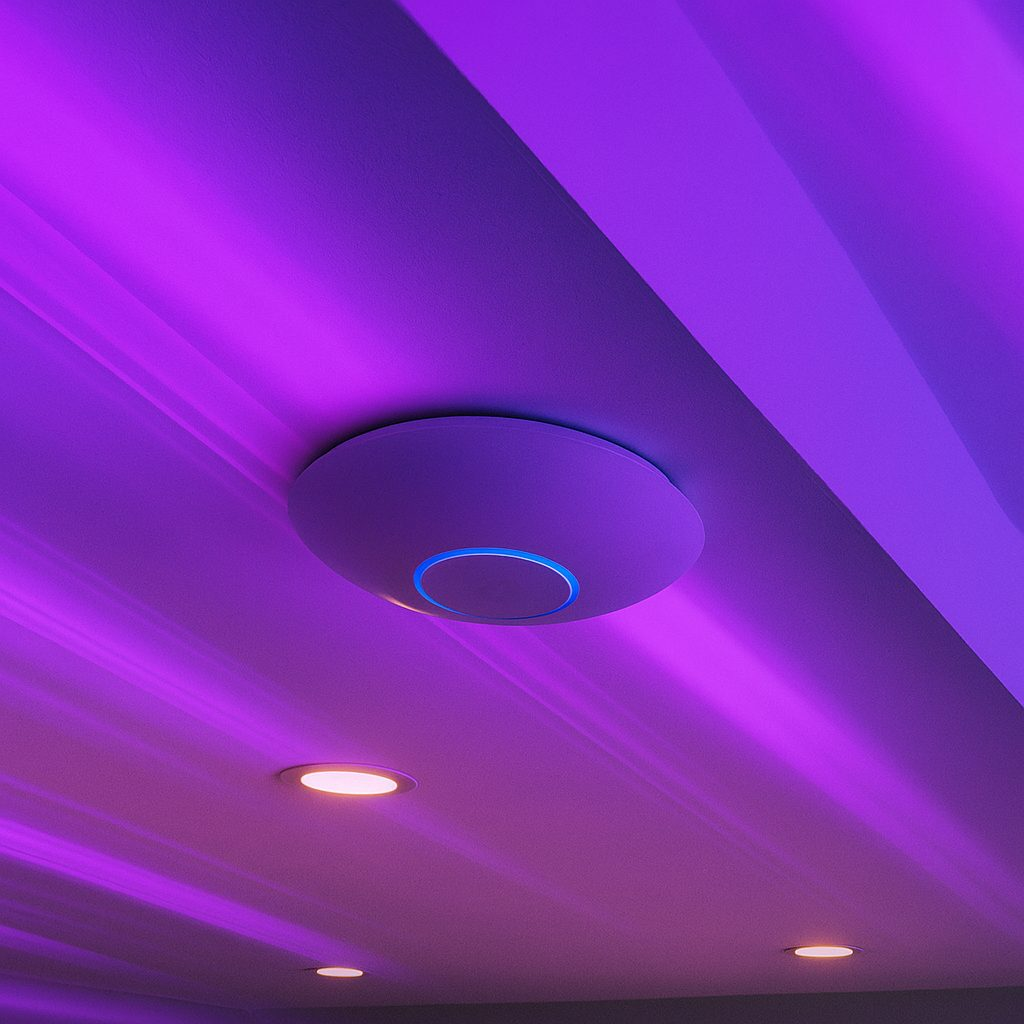
PoE (Power over Ethernet) sends power and data over one network cable. It is how most security cameras, Wi-Fi access points and VoIP phones are installed today. Here is what you need to know.
PoE standards at a glance
| Standard | Power at the port | Typical devices |
|---|---|---|
| 802.3af (PoE) | 15.4 W | Most dome and turret cameras, basic access points |
| 802.3at (PoE+) | 30 W | Wi-Fi 6/7 access points, cameras with heaters or IR |
| 802.3bt (PoE++) | 60 W / 90 W | PTZ cameras, multisensor cameras, high-power APs |
Check your power budget
Every PoE switch has a total power budget. Add up the max draw of every device from its spec sheet and keep the total under about 80% of the switch budget. Example: eight cameras at 6 W each plus two access points at 20 W each is 88 W, so a switch with a 120 W budget works.
Cable distance
Ethernet and PoE are rated to 100 meters (328 feet) per run. Past that, use a PoE extender, a switch closer to the device, or fiber.
Use the right cable
- Use solid-copper Cat6. Avoid copper-clad aluminum (CCA): it heats up under PoE and causes drop-outs.
- Use outdoor or direct-burial rated cable outside.
- Terminate and test every run before mounting devices.
Quick troubleshooting
- Device keeps rebooting: the switch power budget is maxed out or the port type is too weak (af vs at vs bt).
- Link drops at night: often IR turning on and pushing the camera over its power limit.
- No power at all: check the cable with a tester and confirm the switch port has PoE turned on.
Need a hand?
We design and install PoE networks for cameras and Wi-Fi every week. Get in touch or browse PoE switches in our store.
Leave a Reply